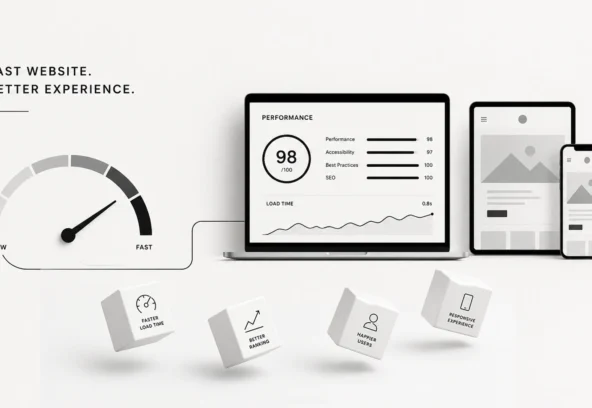
Making Your Website Faster: Why Every Second Counts
In 2026, a slow website isn’t just a minor inconvenience—it’s a “Closed” sign hanging on your digital storefront.
We live in an era of instant gratification. If your page takes three seconds to load, your potential customer hasn’t just clicked away; they’ve already found your competitor, placed an order, and forgotten you ever existed.
The data is cold and uncompromising: Speed is the ultimate silent killer of conversions. Whether you are running a high-ticket e-commerce store or a local service site, every millisecond you shave off your load time is a direct deposit into your bank account.
The Economics of Speed: Why Your Wallet Cares
It’s easy to dismiss site speed as a “techie” problem for the IT department. But if you care about ROI, it’s a C-suite problem.
1. The Bounce Rate Bloodbath
Google’s research has long shown that as page load time goes from 1s to 3s, the probability of a bounce increases by 32%. By 5 seconds? It’s 90%. In 2026, with the integration of AI-driven search and hyper-fast 5G/6G networks, user patience has hit an all-time low.
2. SEO and the “Core Web Vitals”
Google doesn’t just prefer fast sites; it penalizes slow ones. Their ranking algorithms prioritize User Experience (UX). If your site is sluggish, you are effectively invisible on the second page of search results.
3. The Conversion Correlation
A study by Akamai found that a 100-millisecond delay in load time can cause conversion rates to drop by 7%.
The Math: If your site generates $100,000 per month, a 1-second improvement could theoretically net you an extra $70,000 per year. Speed isn’t an expense; it’s an investment.
The “Low-Hanging Fruit”: Immediate Speed Wins
Before you hire an expensive developer, there are several “quick wins” that can slash your load times by 30-50% almost instantly.
Optimize Your Visuals (The Image Trap)
Images usually account for the largest portion of a webpage’s weight.
- Use Next-Gen Formats: Stop using PNGs for everything. Switch to WebP or AVIF. These formats offer superior compression without losing quality.
- Lazy Loading: Don’t force the browser to load every image on the page at once. Use lazy loading so images only download as the user scrolls down to them.
Clean Up Your Code
Your website might be “bloated” with unnecessary characters.
- Minification: This process removes white space, comments, and extra formatting from your HTML, CSS, and JavaScript files.
- Gzip Compression: Think of this as “zipping” your website before sending it to the user’s browser. It significantly reduces the amount of data transferred.
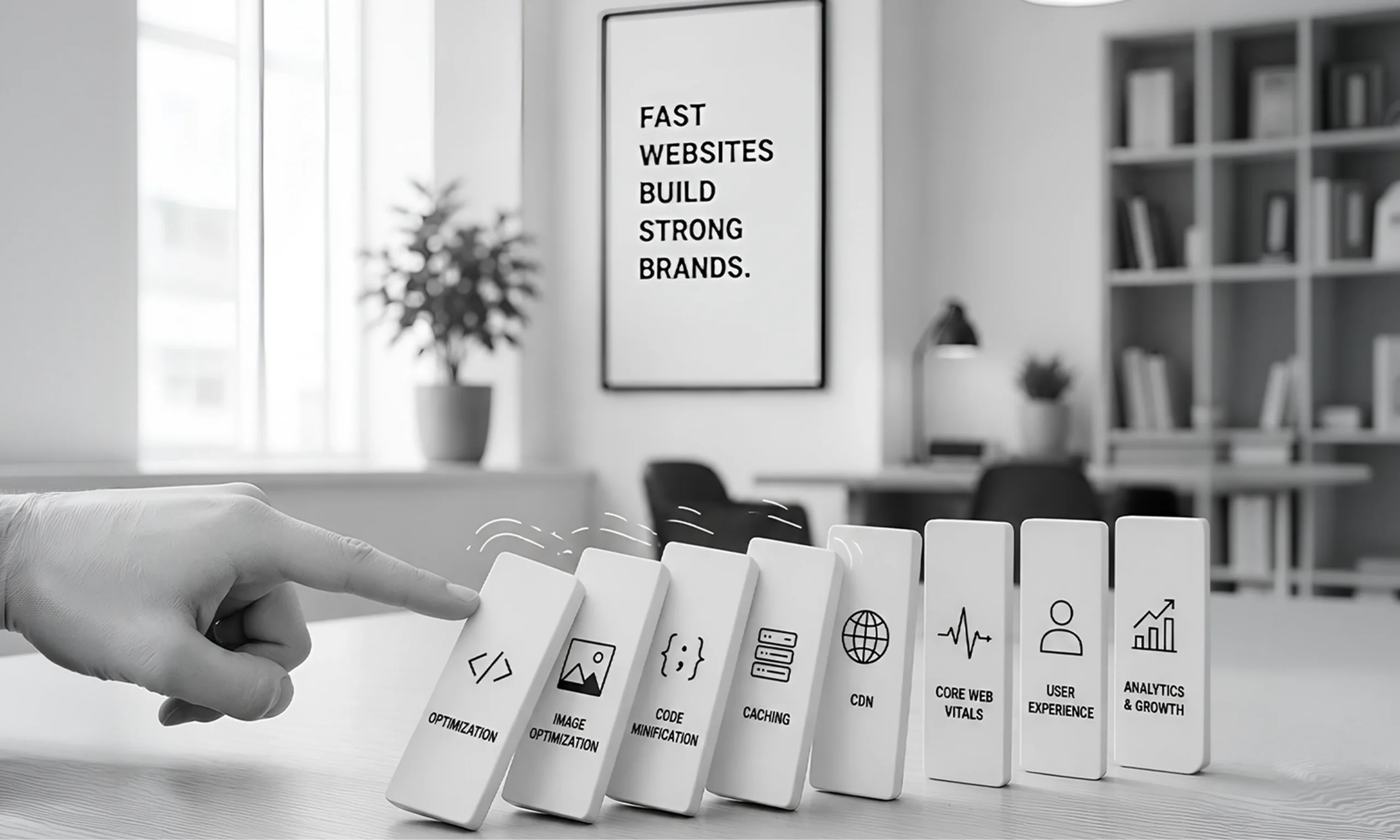
The Psychology of the “Fast” Brand
Beyond the numbers, speed creates Trust.
When a site loads instantly, the user feels a sense of control and professionalism. It signals that you are a modern, capable business. A slow site, conversely, feels “broken” or outdated. In the mind of a consumer, a slow website is a sign of a slow company—and nobody wants slow service.
Technical Performance: The “Under the Hood” Essentials
If the quick wins aren’t enough, it’s time to look at your infrastructure. In 2026, your hosting environment is the foundation of your success.
Choose Quality Hosting over “Cheap” Hosting
If you are paying $3/month for “shared hosting,” you are sharing resources with thousands of other sites. When one site gets a traffic spike, yours slows down.
- Managed WordPress Hosting: Specifically tuned for speed and security.
- VPS or Dedicated Servers: For high-traffic businesses that need a dedicated “lane” on the internet highway.
Leverage a Content Delivery Network (CDN)
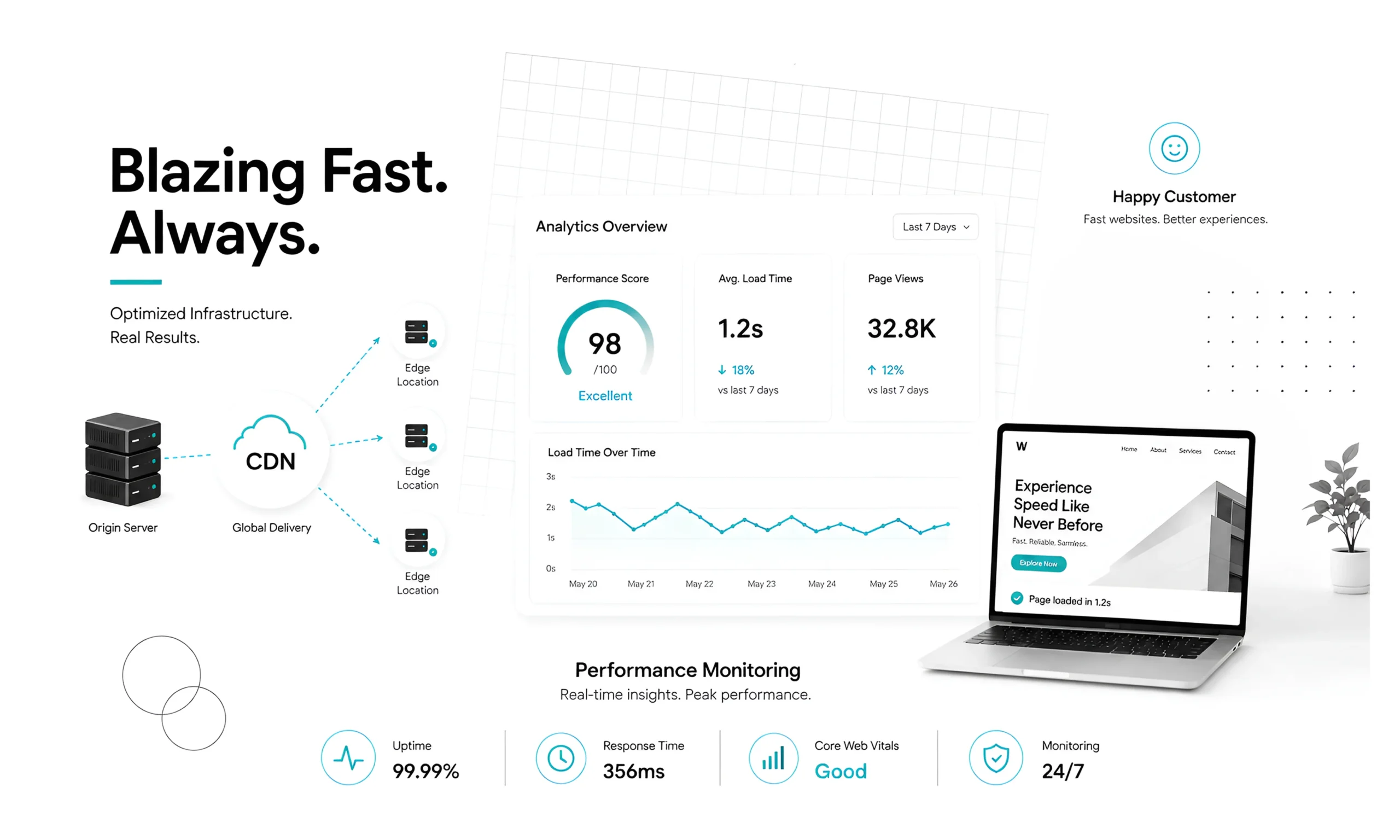
A CDN (like Cloudflare or Bunny.net) stores copies of your site on servers all over the globe. If a customer in London visits your New York-based site, the CDN serves the data from a London server, cutting down the physical distance the data has to travel.
Use Browser Caching
Caching tells a visitor’s browser: “Hey, you’ve been here before. Don’t download my logo again; just use the one you saved from last time.” This makes repeat visits feel instantaneous.
The 2026 Checklist: How to Audit Your Speed
Don’t guess—measure. Use these industry-standard tools to see where you stand:
Tool | What it Measures | Target Score |
Google PageSpeed Insights | Core Web Vitals & Mobile Performance | 90+ |
GTmetrix | Fully Loaded Time & Total Page Size | Under 2s |
Pingdom | Server Response Time (TTFB) | Under 200ms |
Summary: Trim the Fat, Increase the Revenue
The formula for 2026 is simple:
- Audit your current speed.
- Optimize images and minify code.
- Upgrade your hosting and implement a CDN.
- Monitor performance monthly.
In the digital race, the finish line is a completed checkout or a signed contract. If you aren’t first, you’re last. Stop letting your slow website act as a leak in your sales funnel.
Your customers are waiting. Don’t make them wait any longer.
Ready to Outrun your competition?
I can help you analyze your specific site performance right now.
Would you like me to generate a personalized “Speed Optimization Checklist” based on your current CMS (like WordPress, Shopify, or Webflow)?